SabiWork: Learning to design a marketplace beyond the frontend
How SabiWork took me from artisan search into shared workflow states, server-side payment rules and reviewing AI-assisted changes as a team.
Published
22 Nov 2026
Reading time
4 minutes
Written by
Abdulrahman Itseghosime Bello
Next.jsTypeScriptReactFull-stack developmentSystem architectureAI-assisted development
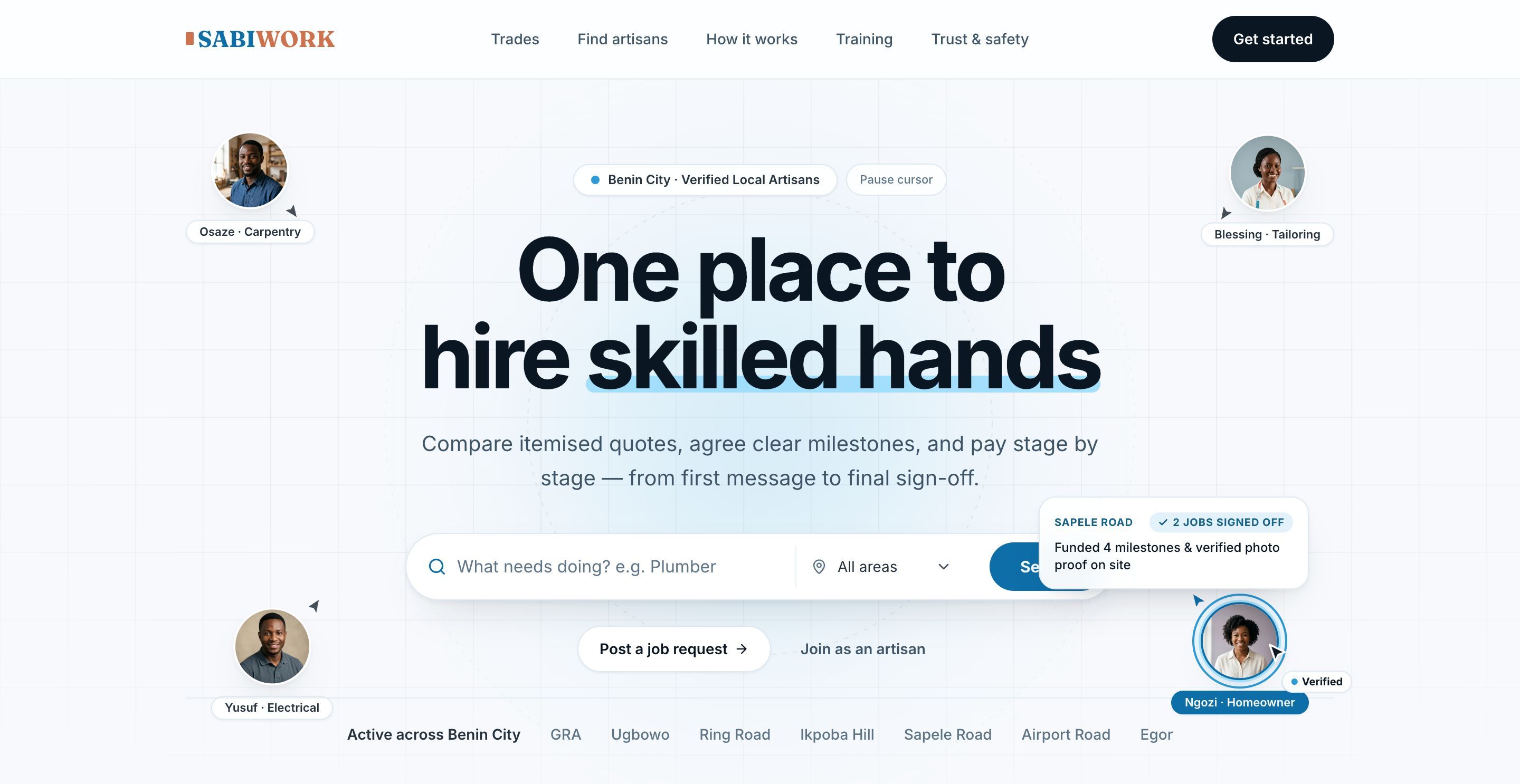
The public pilot homepage gives customers a starting point for finding an artisan or posting a request.
A customer looking for a plumber in Benin City has a simple question: who does this work near me? That was a useful place to start when we built SabiWork. It gave our team a way to talk about a marketplace without starting with a list of features.
I worked on SabiWork while moving from frontend development into full-stack work. I was learning how the screens, data and rules behind a marketplace fit together, and using AI coding tools as part of that process. I was the project lead, and search and trade categories were my assigned area. The customer, artisan and administrator workspaces were part of the wider team build.
Give the search a real question to answer
Imagine I need a plumber near Ugbowo. I might type the job in my own words, pick Plumbing from the trade categories or choose an area first. All three are reasonable ways to start. The desktop directory puts keyword, trade and location in the same search area. On mobile, those controls stack, and the trade shortcuts wrap below them.
The results also give customers different kinds of information to compare. A rating and a passed check answer different questions. A rating comes from someone’s experience with a job. A check describes something the platform has verified. The directory exposes them as separate controls so a customer can decide which information matters to them.
That specificity is what I find useful when working with an AI coding assistant. “Improve search” could produce almost anything. “A customer wants a plumber near Ugbowo. Make trade and location available together” describes a behaviour I can review against the screen.
Agree on what each step means
Discovery is only the beginning of the team’s pilot. A customer posts a request. An artisan proposes an itemised quote with milestones. Accepting a quote creates a job, and approval of the current stage unlocks the next one. An open dispute can pause progress.
Those steps depend on shared definitions. If “accepted” means the customer agreed to a quote in one workspace and the job is funded in another, both screens may look right while the workflow disagrees with itself. As project lead, I had to think about how each person’s area fit into that larger sequence.
This is where my use of AI has become more deliberate. I can ask it to explain the consequences of a change or point out where two screens expect different states. The team still needs to agree on the behaviour, and the people reviewing the work need to know which conditions to check.
Put important rules where the server can enforce them
A button can guide the customer through the next step. The system also needs to decide whether that step is allowed. In our team build, milestone approval controls when the next stage becomes available, and a dispute can pause progress. A rule that matters to both the customer and the artisan needs a consistent server-side definition.
Payments made that distinction easier for me to see. The pilot represents naira amounts as whole kobo, so shares of a fee and milestone totals can reconcile exactly. Duplicate payment notifications should not record the same payment twice. These are the kinds of requirements I now look for when reviewing a full-stack feature: what data can change, who can change it, and what should happen if the same event arrives again.
State what the pilot proves
SabiWork was deployed for our team submission. Its public directory lets visitors try the discovery flow. The job flow demonstrates funding and approval through Paystack test mode or a simulation. There are no payouts in this build.
That boundary matters. A deployed interface makes it possible to walk someone through a product. A test payment demonstrates part of the workflow under test conditions. Each is useful evidence when I explain what we built, and each supports a different claim.
SabiWork changed what I look for in a feature. I still care about the customer’s first search, but I also want to know which rules connect that screen to the rest of the product. Keeping up with AI tools is part of my workflow. Writing those rules down is what makes their output easier for me and my teammates to review.